![digital-skillstruck-brandmark-white-blue@192x.png]](https://support.skillstruck.com/hs-fs/hubfs/digital-skillstruck-brandmark-white-blue@192x.png?height=40&name=digital-skillstruck-brandmark-white-blue@192x.png)
Last updated - May 14, 2026
This article is for Clever Admins.
Here is a Clever article for the Clever Admin to reference.
[ Here is a snippet directly from the Clever Article ]
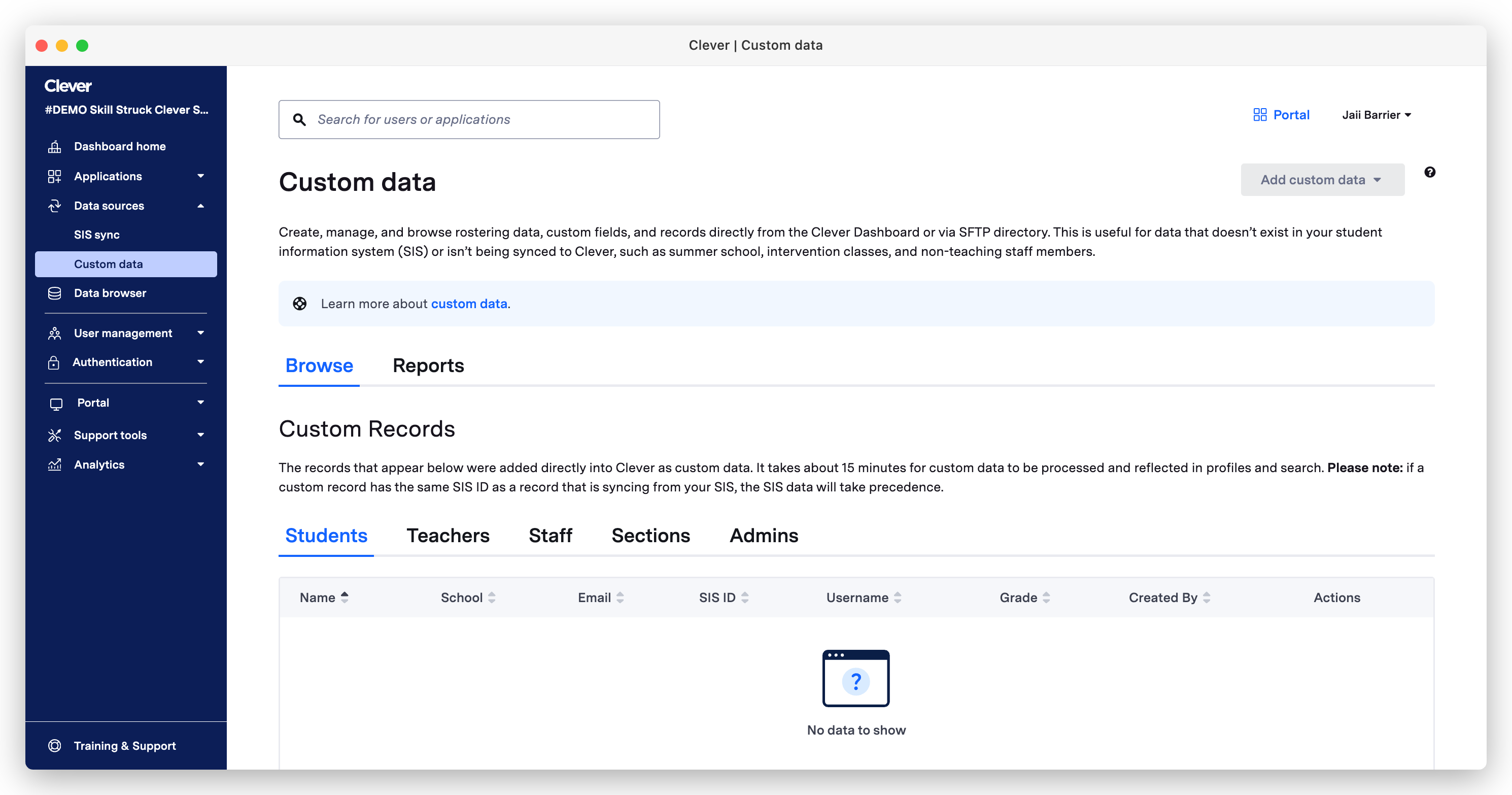
Custom data allows Clever Admins to create rostering data, including fields and records, directly from the Clever Dashboard that doesn't exist in the district's student information system (SIS) or aren't being synced to Clever. Common uses of custom data include:
- Adding summer school information
- Organizing unique groups of students into sections (e.g., afterschool programs)
- Adding non-teaching staff members who are not in the district's SIS
- Maintaining historical data that was deleted from the SIS
- For example, if a section is deleted when a teacher leaves midyear, but you want to preserve historical app data for that section. You can build a custom section in Clever using the original SIS section data so app data is preserved.