![digital-skillstruck-brandmark-white-blue@192x.png]](https://support.skillstruck.com/hs-fs/hubfs/digital-skillstruck-brandmark-white-blue@192x.png?height=40&name=digital-skillstruck-brandmark-white-blue@192x.png)
Last updated - June 30, 2026
If you have assigned and unlocked only one course, the students will be able to see it by clicking the rocket icon (Lessons) from their home page.
-4.png?width=670&height=419&name=screenshot-rocks%20(11)-4.png)
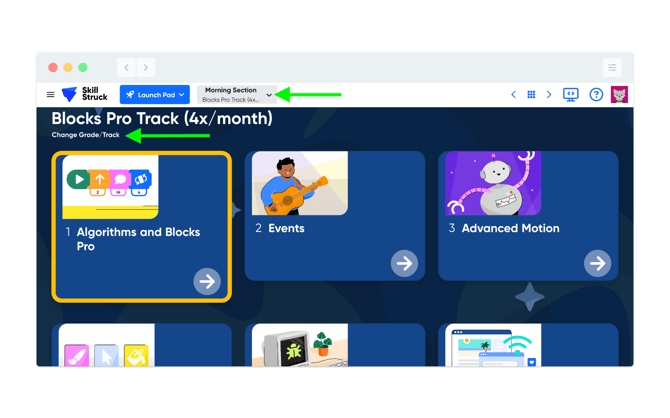
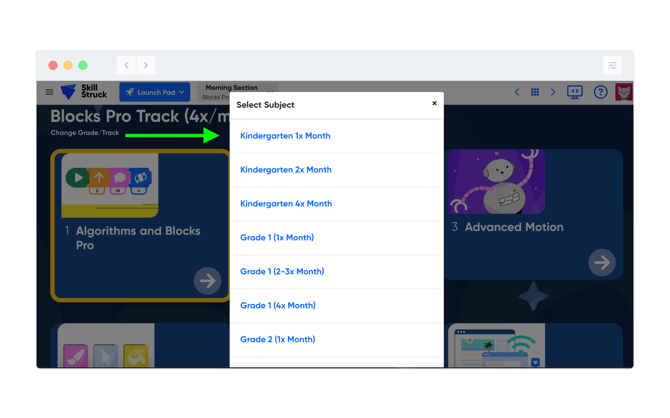
If you have assigned lessons from multiple courses, the student needs to click on the 'Change Grade/Track button under the name of the current course, then choose the correct curriculum from the dropdown menu.
To get back to the main landing page, click on the Skill Struck icon in the top left corner.