![digital-skillstruck-brandmark-white-blue@192x.png]](https://support.skillstruck.com/hs-fs/hubfs/digital-skillstruck-brandmark-white-blue@192x.png?height=40&name=digital-skillstruck-brandmark-white-blue@192x.png)
Last updated - September 15, 2026
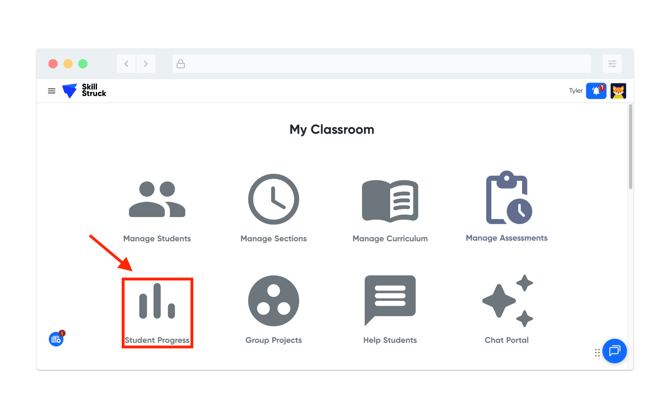
- From the Educator Portal homepage, click Student Progress.
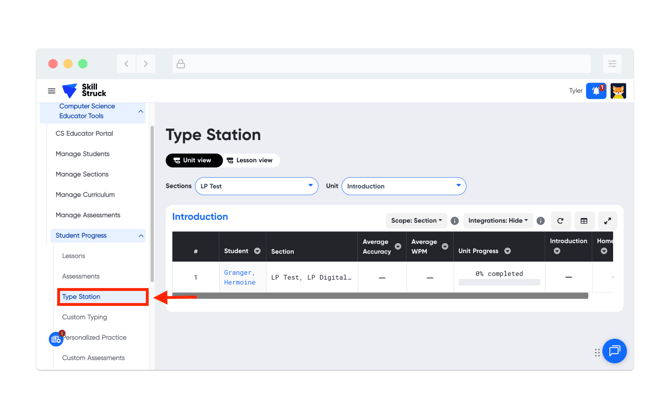
- Select Type Station from the Student Progress menu.
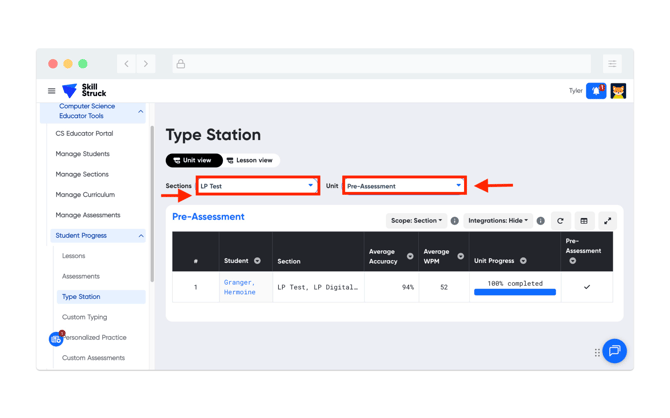
- Choose the correct section, from the Section drop-down, and the Pre-Assessment, from the Unit drop-down.
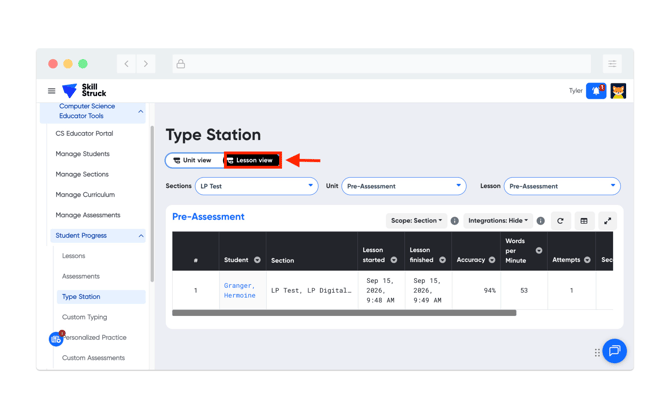
- By clicking on the Lesson view tab, it will load the attributes such as Accuracy, WPM, Attempts, etc.