![digital-skillstruck-brandmark-white-blue@192x.png]](https://support.skillstruck.com/hs-fs/hubfs/digital-skillstruck-brandmark-white-blue@192x.png?height=40&name=digital-skillstruck-brandmark-white-blue@192x.png)
Last updated - July 22, 2026
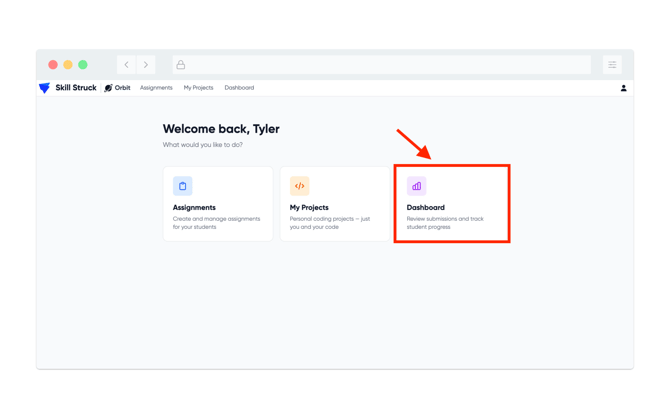
- From your Orbit home page, click on Dashboard.
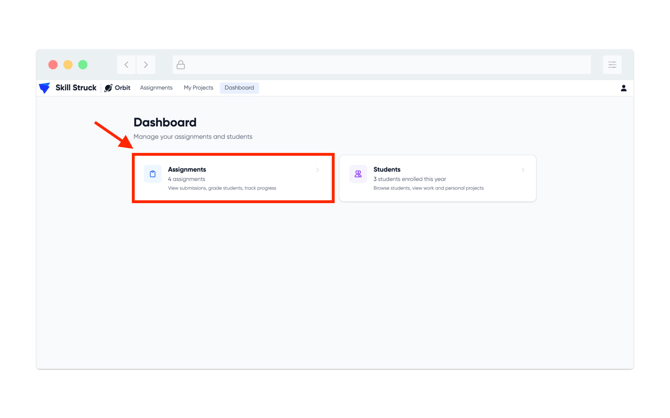
- From the Dashboard page, click on Assignments.
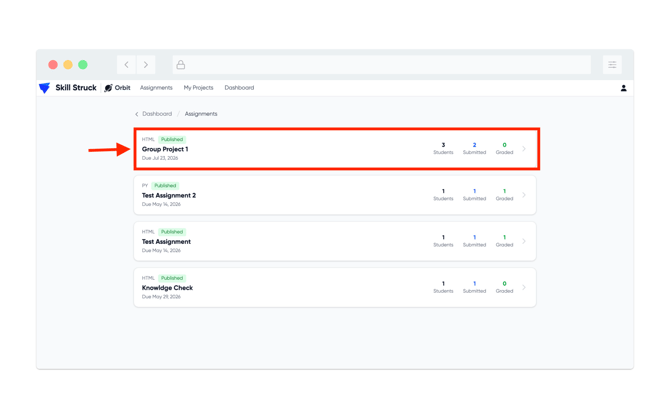
- Select the group project you wish to view from the Assignments page.
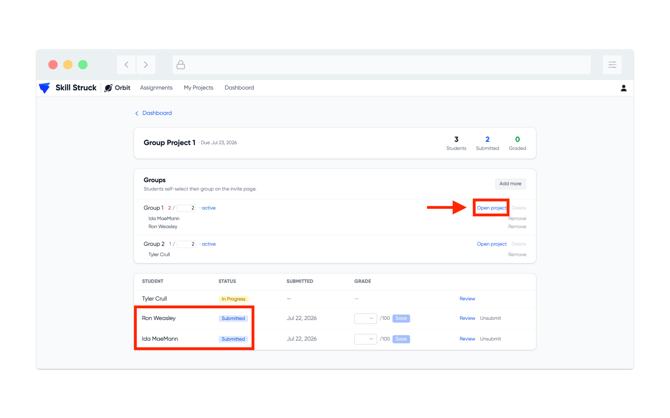
- In this example, there are two groups and one of the groups has submitted their project. Click on Open Project, next to that group.
- Click on the History tab near the top of the page.
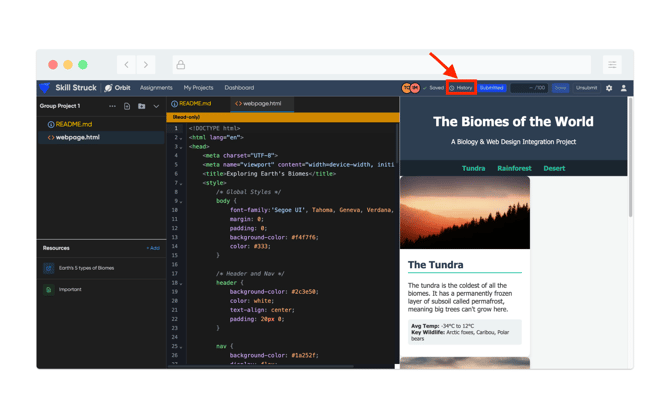
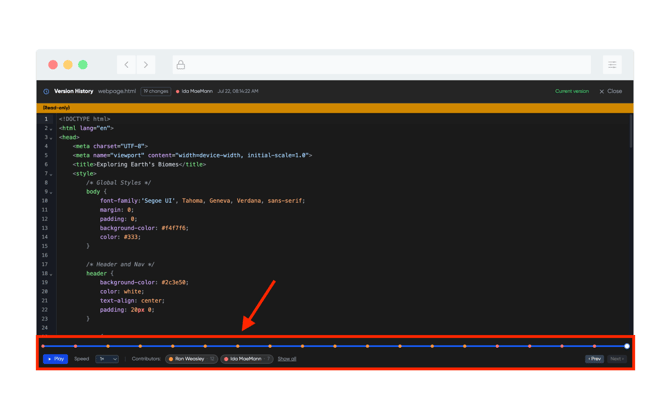
- At the bottom of the page you have the ability to toggle between the group members to view their contributions. They will be color coded by user and can be clicked on to view inputs and edits. There is also an ability to click on the Play button to view all inputs/edits per user.