![digital-skillstruck-brandmark-white-blue@192x.png]](https://support.skillstruck.com/hs-fs/hubfs/digital-skillstruck-brandmark-white-blue@192x.png?height=40&name=digital-skillstruck-brandmark-white-blue@192x.png)
Last updated - August 17, 2026
If you are receiving an error that look like the image below, please follow these steps.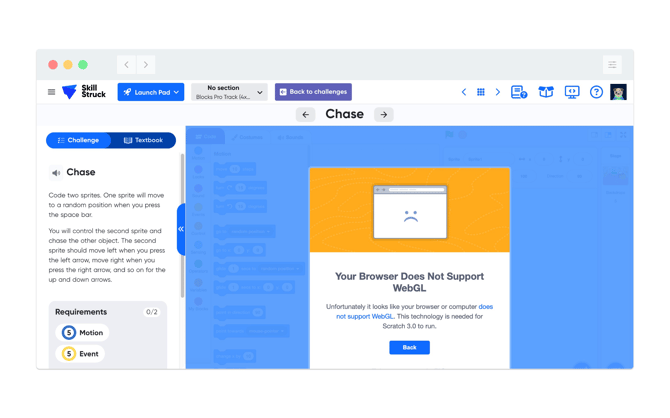
- From your Chrome browser, click on the 3 vertical dots, then click Settings.
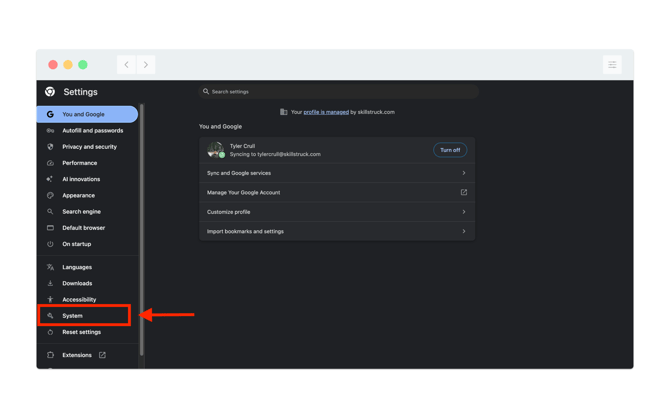
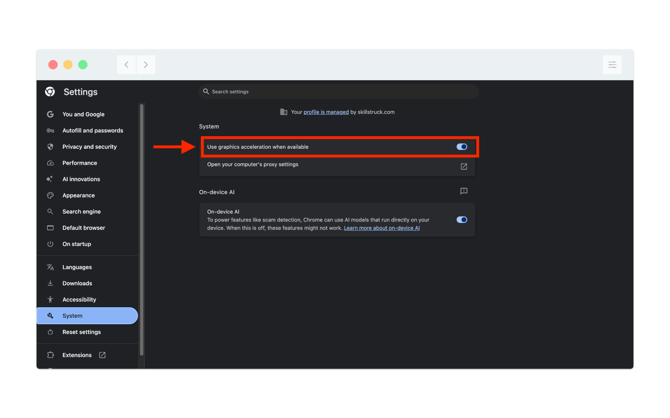
- From Settings, navigate to System and toggle on the setting "Use graphics acceleration when available".