![digital-skillstruck-brandmark-white-blue@192x.png]](https://support.skillstruck.com/hs-fs/hubfs/digital-skillstruck-brandmark-white-blue@192x.png?height=40&name=digital-skillstruck-brandmark-white-blue@192x.png)
Last updated - May 13, 2026
To learn more on creating an assignment in Orbit, please follow this article.
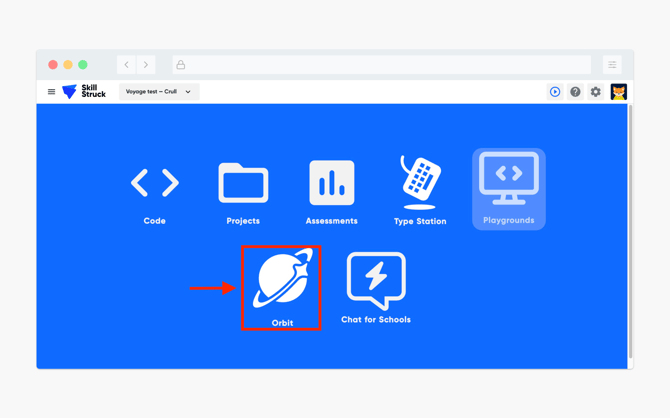
- Once the student logs in, have them select the Orbit platform.
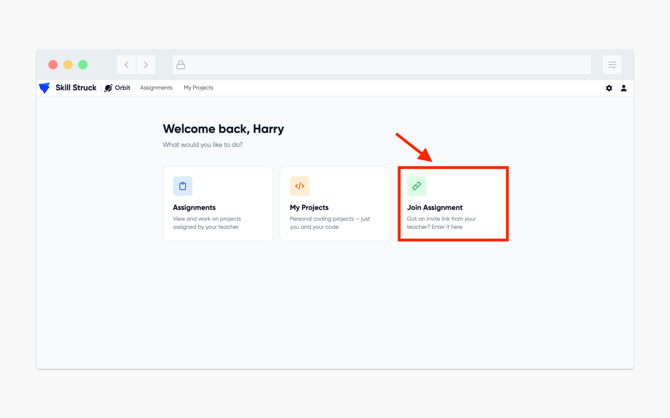
- From the Orbit homepage, click Join Assignment.
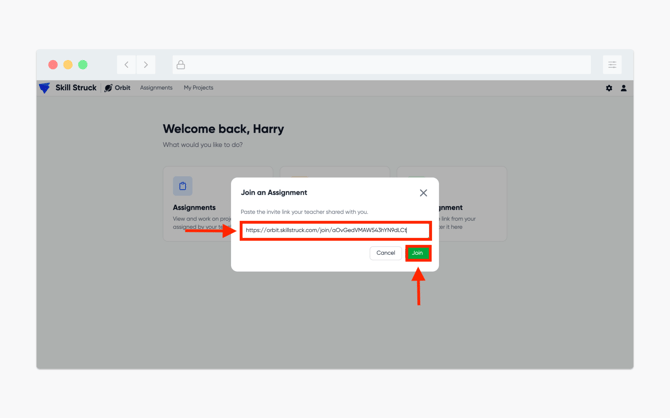
- The Join Assignment pop-up will appear and the student will then be prompted to add the invite link created from your assignment. Once entered, click Join.
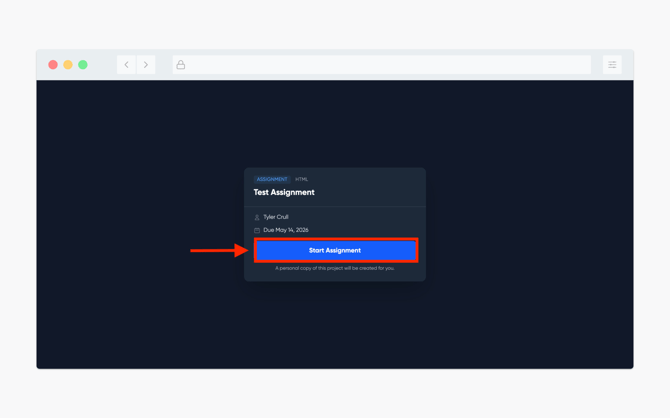
- The student will then be directed to the assignment. By clicking Start Assignment they can enter the assignment.