![digital-skillstruck-brandmark-white-blue@192x.png]](https://support.skillstruck.com/hs-fs/hubfs/digital-skillstruck-brandmark-white-blue@192x.png?height=40&name=digital-skillstruck-brandmark-white-blue@192x.png)
Last updated - September 23, 2026
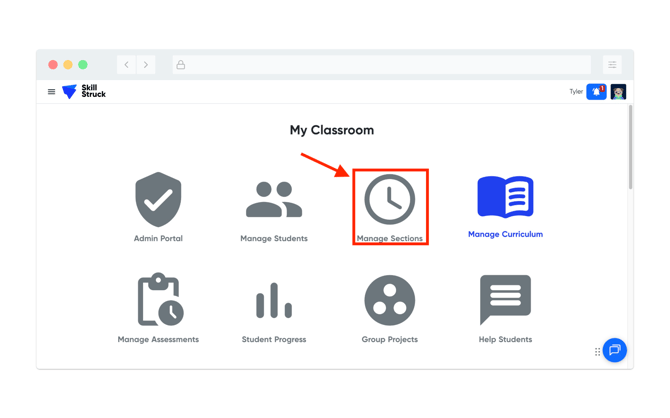
- From the Educator Portal, click on Manage Sections.
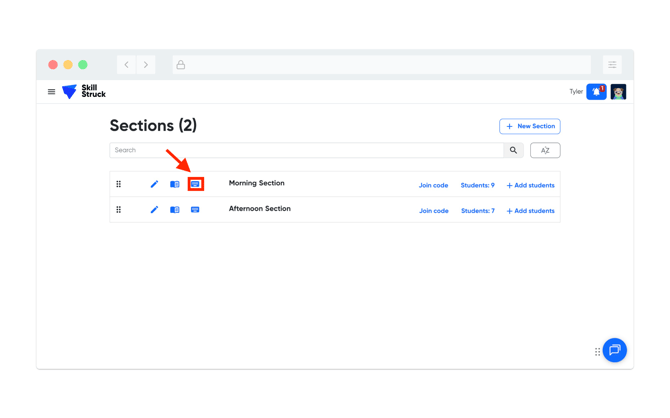
- From the Manage Sections page, click on the keyboard icon for the selected section.
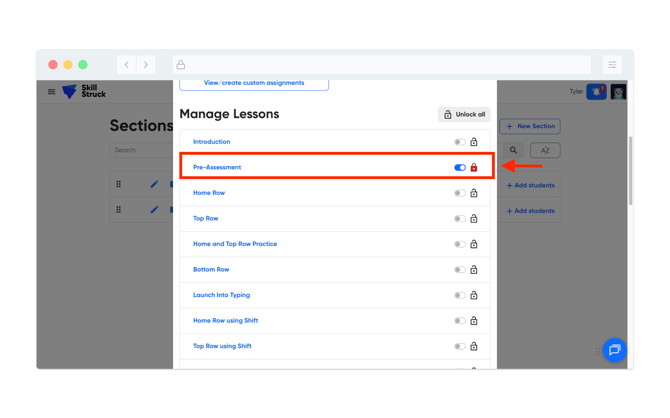
- From the Type Station Settings page, toggle to the lock icon for the Pre-Assessment.
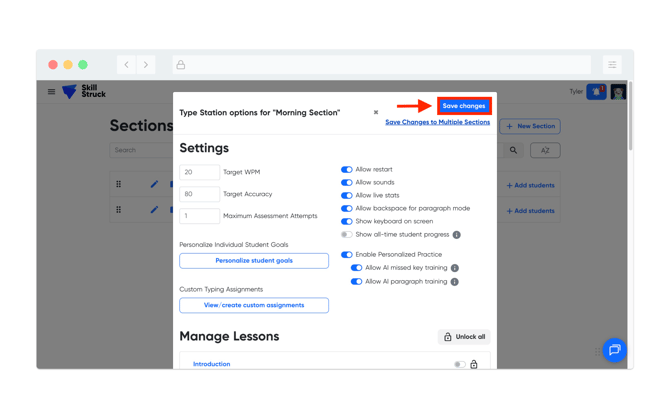
- Scroll back to the top of the page and click Save changes.