![digital-skillstruck-brandmark-white-blue@192x.png]](https://support.skillstruck.com/hs-fs/hubfs/digital-skillstruck-brandmark-white-blue@192x.png?height=40&name=digital-skillstruck-brandmark-white-blue@192x.png)
Last updated - November 13, 2026
Please note that this applies only to districts with access to the Vibe Coding Playground. If you’re unsure whether your district has access, feel free to check with your district admin or your Customer Success Manager.
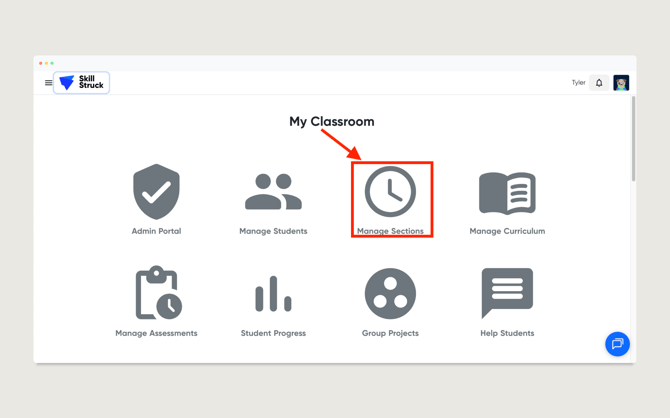
- From your Educator Portal, click Manage Sections.
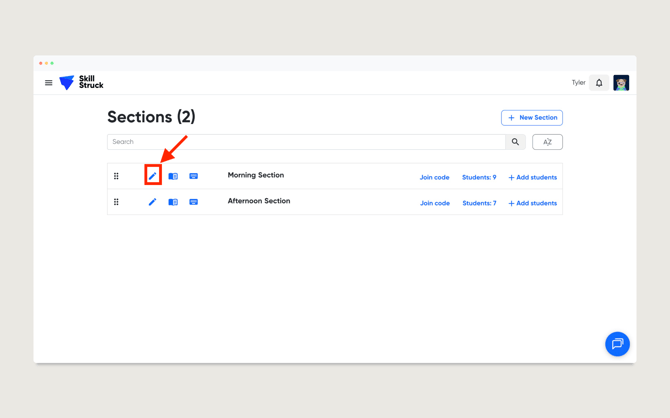
- From the Sections page, click the pencil icon on the desired section.
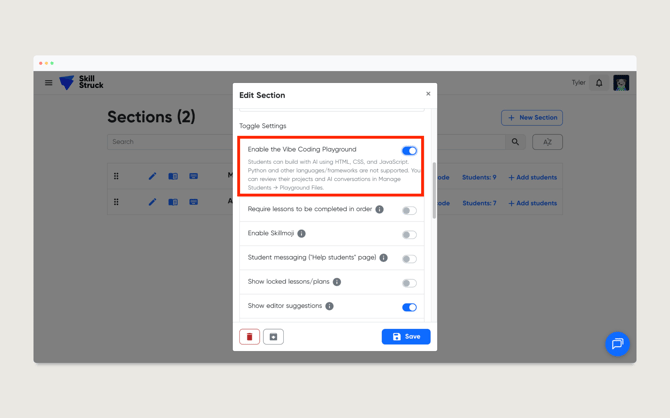
- From the Edit Section page, toggle the Enable the Vibe Coding Playground setting.
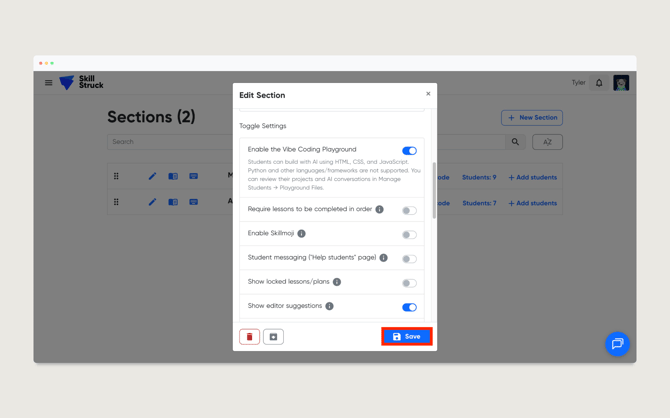
- Click Save.
If you make this change while students are actively logged in, please have them log out and back in for the update to take effect.