![digital-skillstruck-brandmark-white-blue@192x.png]](https://support.skillstruck.com/hs-fs/hubfs/digital-skillstruck-brandmark-white-blue@192x.png?height=40&name=digital-skillstruck-brandmark-white-blue@192x.png)
Last updated - August 16, 2026
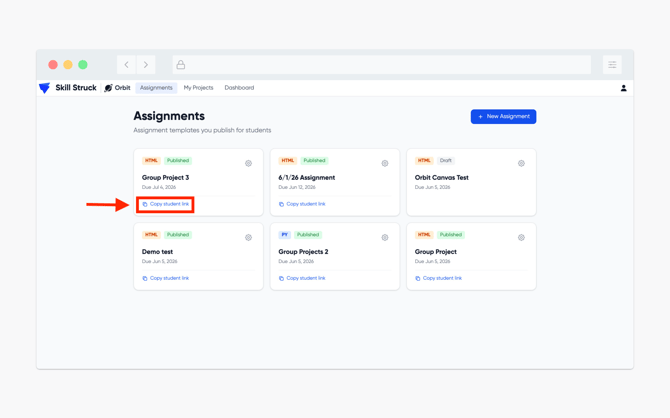
Before being able to assign a group project, it must be made as an assignment first. Please follow this article for instructions on how to create and assignment in Orbit.
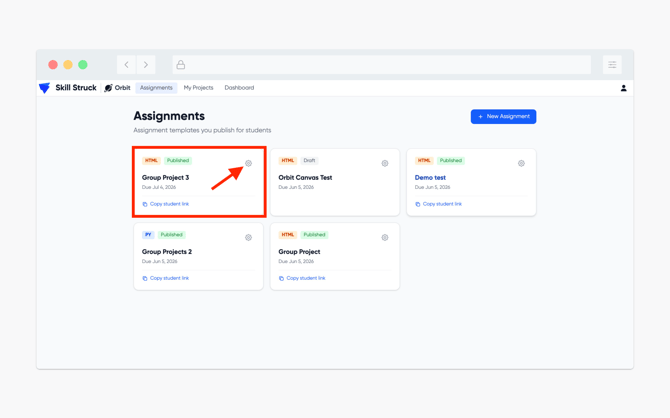
- From your Assignments page, select the assignment you wish to make a group project and click on the gear icon to bring up the settings.
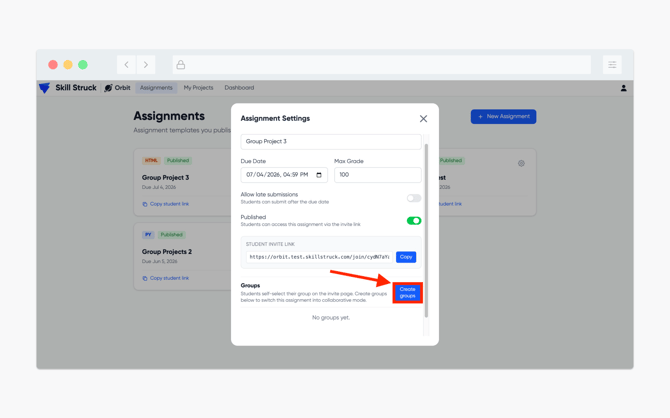
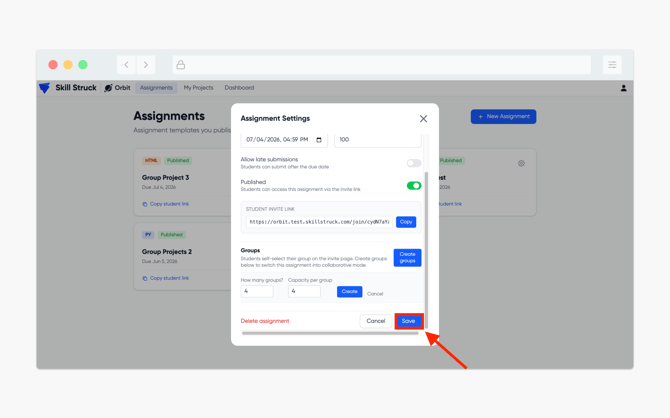
- From the Assignment Settings page, click on the Create groups button.
- Enter in the amount of groups and the capacity per group. We we recommend no more than 10 groups and no more than 10 students per group.
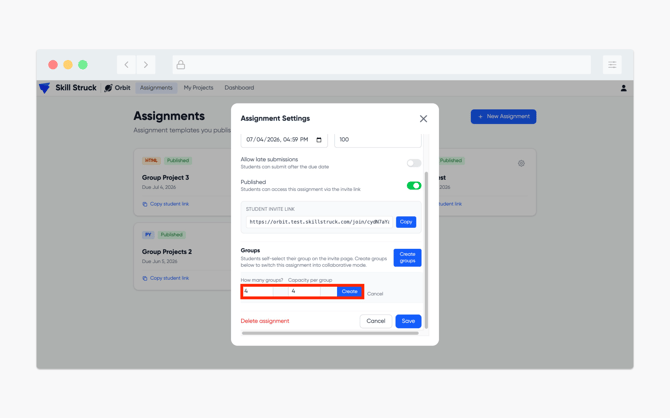
- Once the number of groups and number of students per group have been added, click Save.
- After you provide the link to the assignment, your students will then be able to access the group project.