![digital-skillstruck-brandmark-white-blue@192x.png]](https://support.skillstruck.com/hs-fs/hubfs/digital-skillstruck-brandmark-white-blue@192x.png?height=40&name=digital-skillstruck-brandmark-white-blue@192x.png)
Last updated - May 13, 2026
Creating a Project in Orbit
-
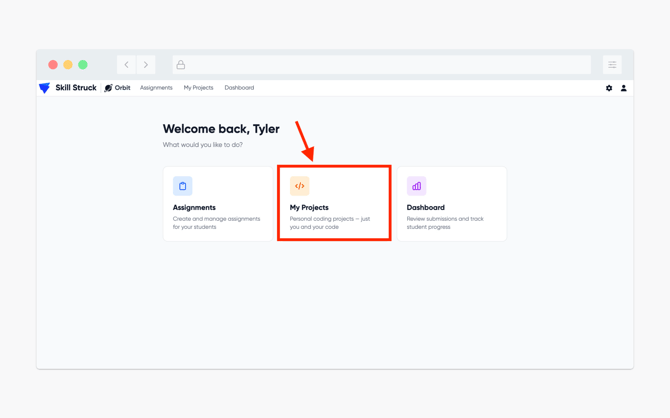
From your Orbit homepage, select My Projects.
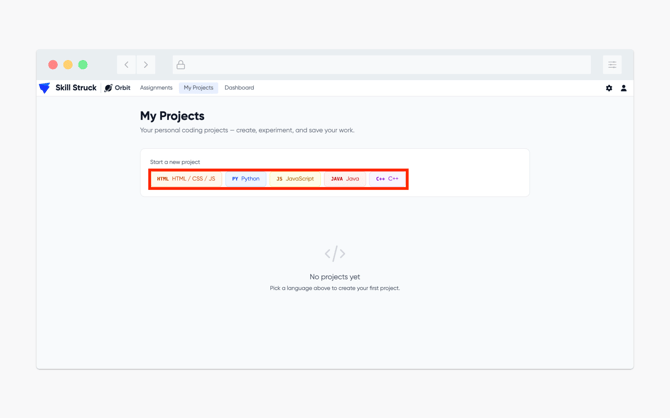
- From the My Projects page, select the applicable language for your project.
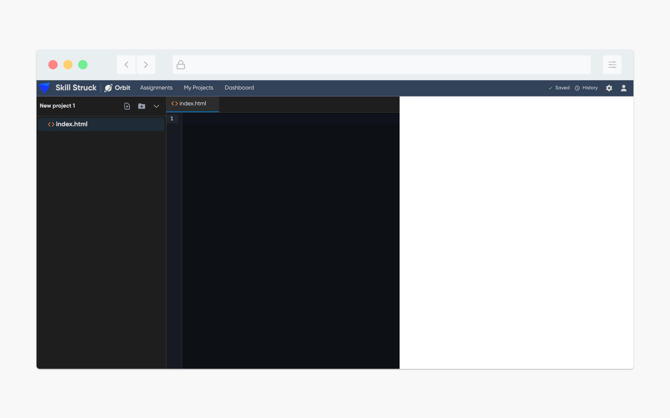
- After selecting the applicable language, you will be directed to a corresponding file page.
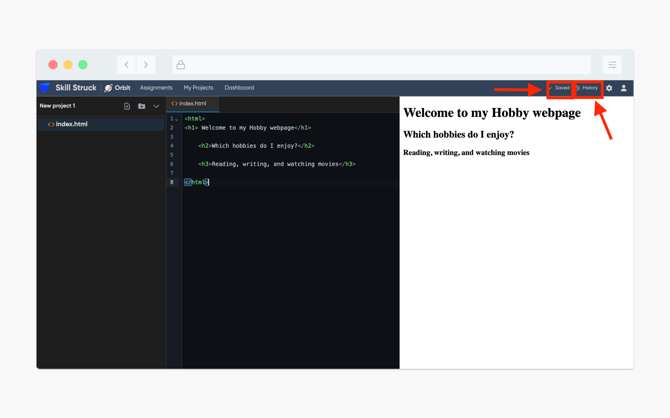
- Completed work will auto-save! You are also able to view the history of code typed by clicking on the History button.