![digital-skillstruck-brandmark-white-blue@192x.png]](https://support.skillstruck.com/hs-fs/hubfs/digital-skillstruck-brandmark-white-blue@192x.png?height=40&name=digital-skillstruck-brandmark-white-blue@192x.png)
Last updated - October 13, 2026
For getting started with the Orbit platform, please follow this article.
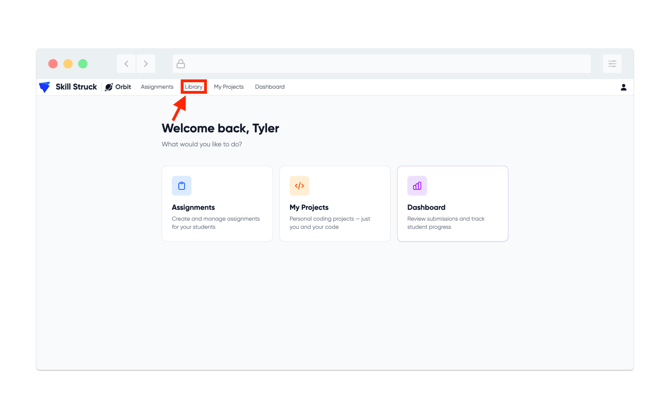
- From the Orbit main page, click the Library tab at the top of the screen.
- From the Orbit Library, there are options to share (upload) assignments and to search for shared assignments from other educators.
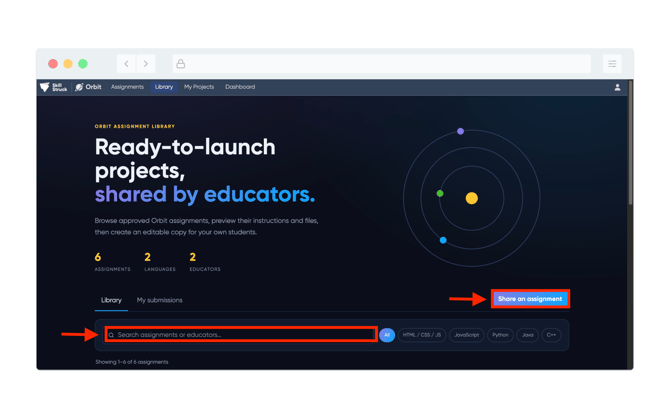
- By clicking on Share an assignment, the assignments that you have created will appear and be shareable within the Orbit community.
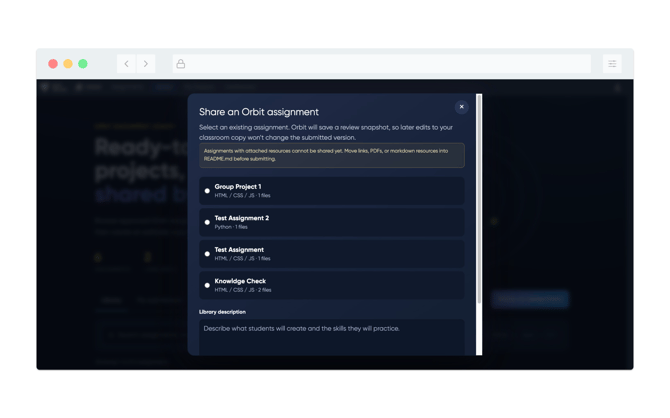
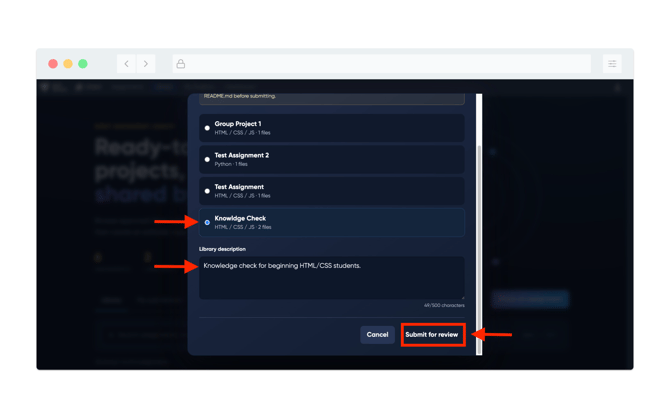
- To upload to the Orbit Library, select the assignment, add a description, and click Submit for review.
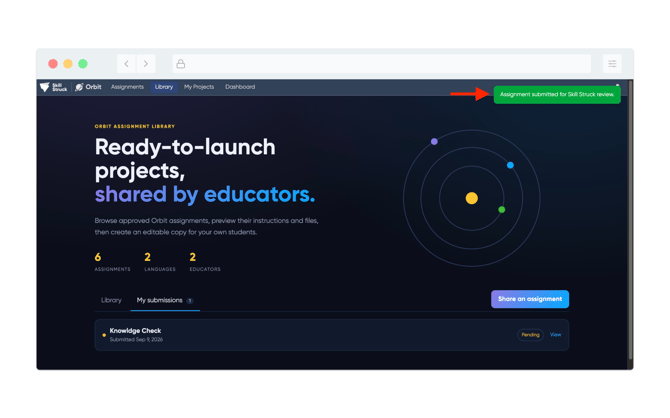
- Upon successful completion, a green notification will appear at the top right of your screen stating that "Assignment submitted for Skill Struck review".